
Base64 Encoding Explained: When to Use It (and When to Avoid It) for Web Speed
If you have ever looked at the source code of a modern web application, you have likely seen a massive string of seemingly random characters starting with data:image/png;base64.... This is Base64 encoding.
While Base64 is an essential tool in a developer's arsenal, it is often misunderstood. Using it correctly can speed up your site, but using it incorrectly can bloat your file sizes and destroy your performance. In this guide, we’ll break down exactly what Base64 is and how to use it like a pro.
1. What is Base64 Encoding?
Base64 is not encryption; it is a binary-to-text encoding scheme. It represents binary data (like images or executable files) in an ASCII string format by translating it into a radix-64 representation. This allows binary data to be transmitted across channels that only support text, such as HTML, CSS, or JSON.
Visualizing the Encoding Process
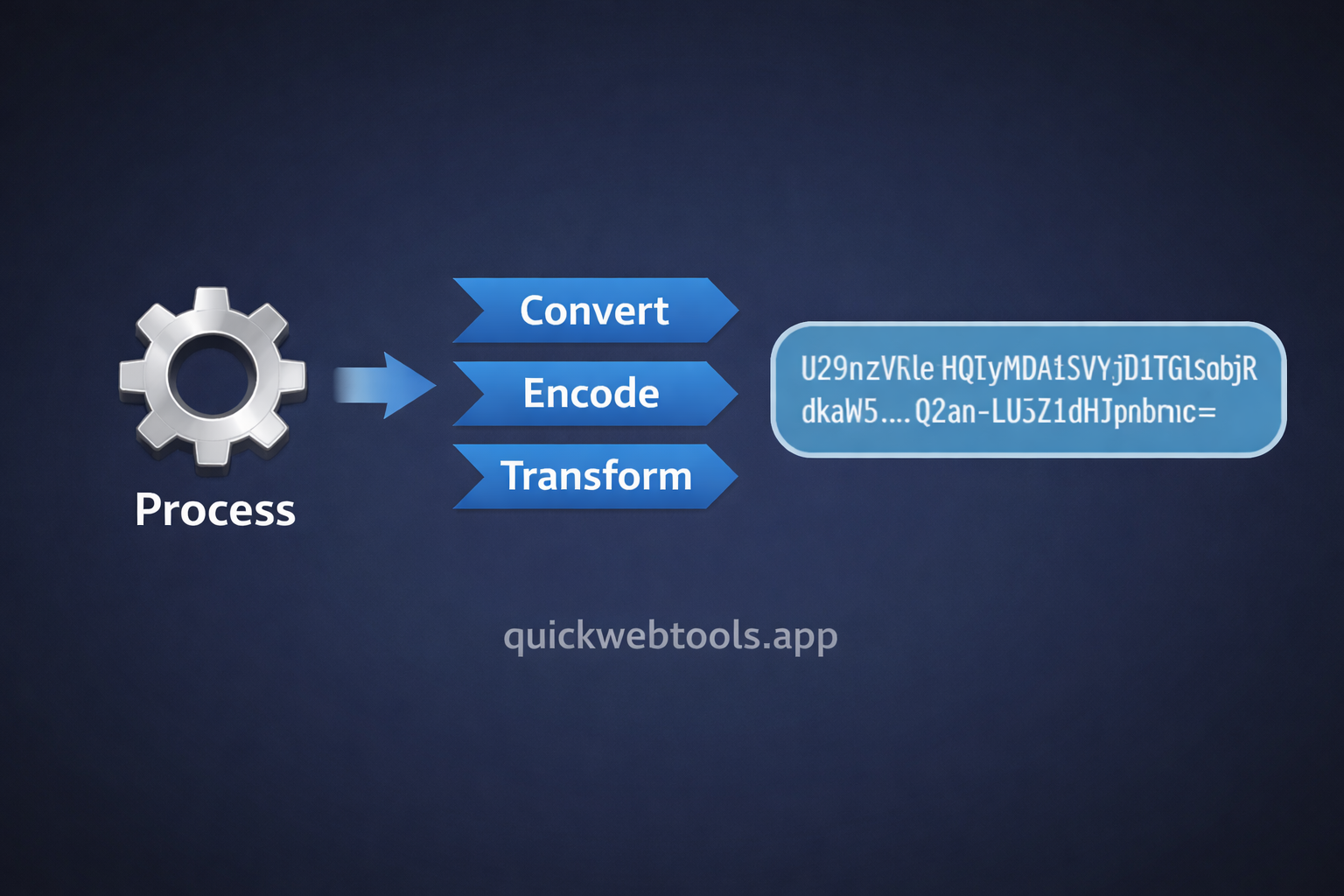
Base64 acts as a bridge between binary files and text-based protocols.
When you encode a string or image to Base64, you are essentially making it "transport-safe" for the web.
2. When Should You Use Base64?
Base64 is a powerful tool when used in the right context. Here are the most common "green light" scenarios:
- Reducing HTTP Requests: For very small icons or graphics (under 1KB), inlining them as Base64 in your CSS or HTML can be faster than making a separate server request.
- Data URI Schemes: Embedding small images directly into an
<img>tag's src attribute to prevent "flashes" of unstyled content. - Embedding Binary in JSON: Since JSON is a text-based format, you cannot put raw binary data inside it. You must encode the binary into Base64 first.
- Basic Authentication: Many APIs use Base64 to encode usernames and passwords in the Authorization header.
3. The Performance Trade-off: The 33% Rule
There is no such thing as a free lunch in web development. The biggest downside to Base64 is size bloat. Encoding binary data into Base64 increases the file size by approximately 33%.
The Golden Rule: Never Base64 encode large assets like hero images or high-resolution photos. The increased transfer time for a 33% larger file will almost always outweigh the benefit of saving one HTTP request.
4. Security & Privacy in Encoding
A common mistake is thinking that Base64 "hides" data. Because Base64 is a standard algorithm, anyone can decode it in seconds. Never use Base64 to secure sensitive information without actual encryption.
At QuickWebTools.app, our Base64 Encoder/Decoder is 100% client-side. Your data is processed in your browser's RAM and never sent to our database, keeping your tokens and payloads private.
5. Practical Tutorial: How to Use Base64 Safely
Follow these steps to work with Base64 data efficiently:
- To Encode: Paste your raw text or binary string into our Base64 Tool.
- To Decode: Paste your Base64 string to reveal the original data. This is perfect for debugging JWT payloads.
- Verify: Always check the output size. If your encoded string is massive, host the file traditionally.
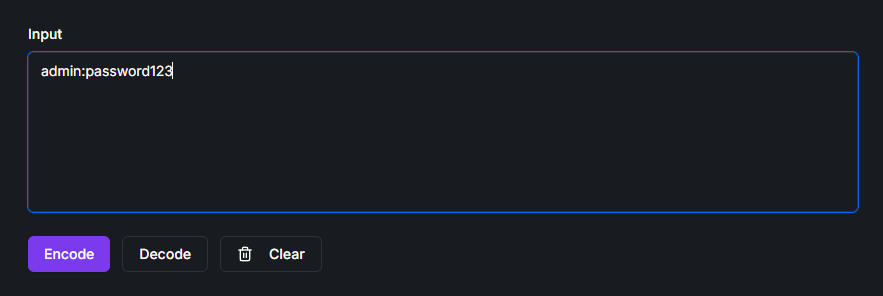
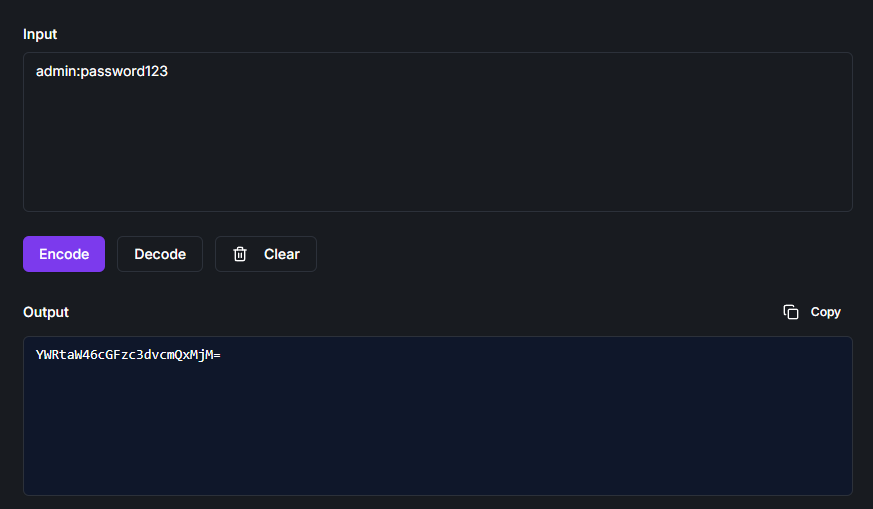
Direct Conversion Comparison
1. Raw Credentials (Input)
2. Encoded Result (Output)
Conclusion
Base64 is a vital bridge between binary data and text-based web protocols. By using it sparingly for small assets and ensuring you use client-side tools for sensitive data, you can build faster, more secure applications.
Need to convert data right now? Check out our Secure Base64 Encoder & Decoder for instant, private results.